
Docker, Kubernetes

Stephen Grider’s Kubernetes and Docker course

I have been spending quite a bit of my extra free time (outside of work) in the area of trying to learn containers, devops, etc.. Within the last 12 months, I’ve taken several Kubernetes courses, Docker courses, Microservices, etc.. Although it has not been “paid experience”, I feel that I have broken the learning curve and could be qualified to be in a group at work using those technologies under the guidance of more experienced individuals fortunate enough to get into using those technologies on the job.

So even tho I took those courses with other authors (which were great courses), I recently noticed that Steven Grider had a course on Docker/Kubernetes too. So I knew I “had” to buy that course based on the React courses I bought where he taught. Those were such great courses that I knew I had to get this course because I wanted to hear how he would teach/explain Docker/Kubernetes. He is a natural born talent when it comes to teaching. He reads your mind and tends to answer a question you may have even before you have a chance to think about asking him the question.

https://www.udemy.com/docker-and-kubernetes-the-complete-guide/

I made a video of a review

About the course, it’s a very aggressive/ambitious course where he teaches you both Docker and Kubernetes. I highly recommend this course “even if you already know Docker or Kubernetes” as he throws in enough valuable “Grider”-isms to help you understand things better.

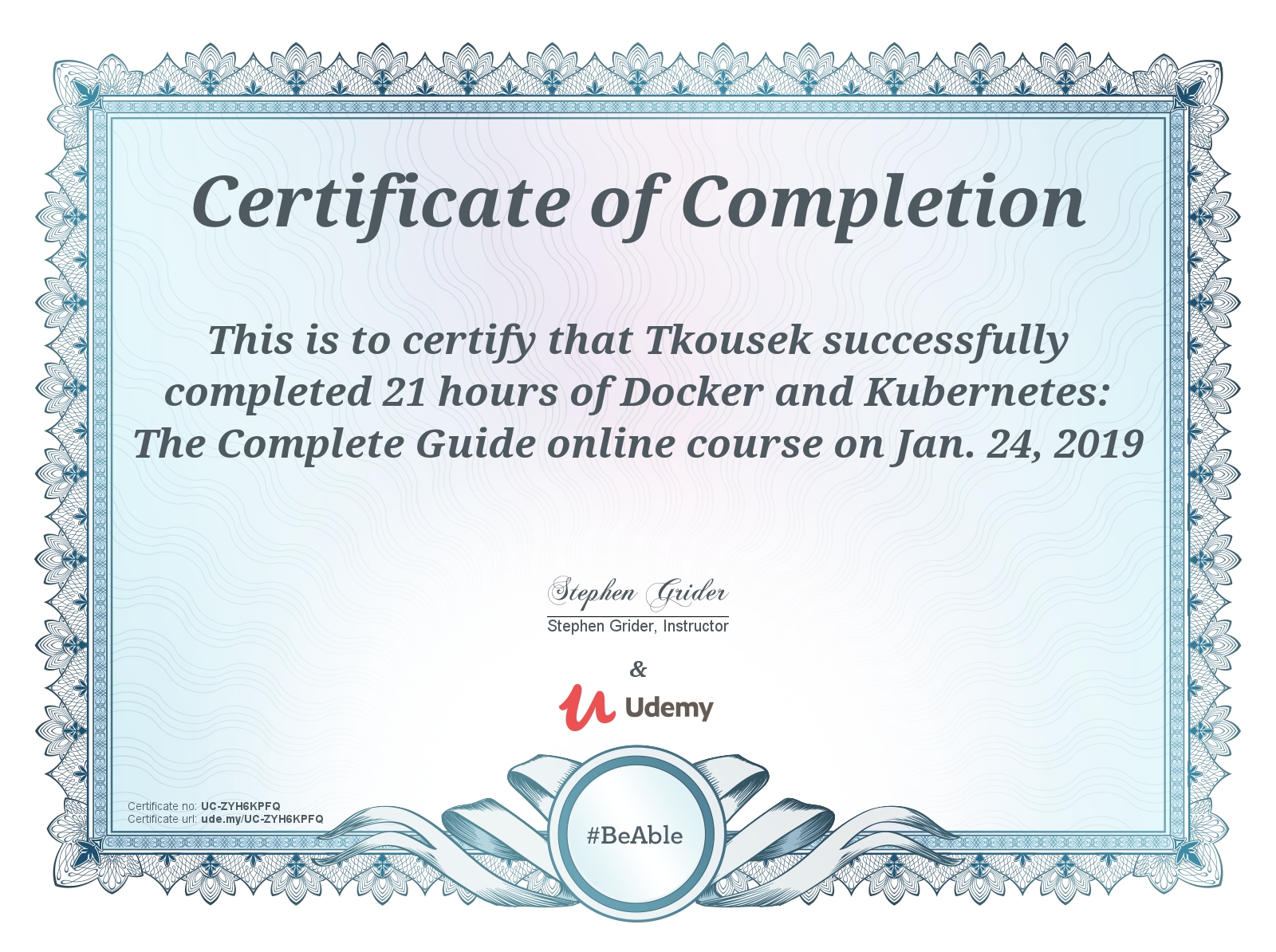
The course contains 21 hours of video. What that basically means is that if you are working full time and are a “learner of new things off hours”, you should consider planning for it to take a full month (outside of work) or even five weeks. For me, a 1 hour video is never “1 hour” for me to go thru. It’s usually a 2:1 or 3:1 ratio for me depending on the course. He also gives you the chance to learn some additional things along the way like:

– Using Travis CI for continuous integration
– Git (for those unfamiliar with it who maybe have been using TFS or some other version control system)
– Helm (for 3rd party administration)
– Setting up certificates to get HTTPS working
– Setting up/deploying a web application to Google Cloud.

This course will be a tremendous investment in your time but you will learn a lot if you take this course.

Highly recommended.
Docker

Minikube – Kubernetes stand-alone test bed

** UPDATE ** – It came to my attention, from a friend mine, that Docker for Windows “Edge” (I think for MacOS/X too) has K8 built into it so there’s no need to run Minikube in that case.

In this video, I share my experience with getting minikube up and running on my windows 10 machine as well as the snag that I ran into. I hope this may save others some time as well.

Docker

Kubernetes as per my understanding

Subject to change.

What is Kubernetes and “why” use it?  When I’m just getting into something, I cannot say how much I appreciate videos like this:

and

and

Kubernetes (also known as K8 and originally developed by Google but is now open source) is a high-powered container orchestration and container management system which has (by others accounts) surpassed Docker Swarm in this area as the defacto-orchestration tool.  It runs on Linux.

It is designed on the principles of availability, scalibility, security and portability.  Distributes workload across PODS.

Terms

K8

Another term for Kubernetes.

Microservices

Set of independent containerized services that can be joined together to create an app.  Composed as multiple containers grouped as PODS.

Orchestration

The process of organizing the services so that they work together on the right networks, sequences, etc..   The job of Kubernetes.

Masters (the brains of Kubernetes)

The cluster control plane.  Monitors cluster, responds to events from nodes, schedules workers, etc..   The masters all run on a single singer at this point.  It is predictable that the masters will eventually get deployed on other nodes in the future.

  • The brains of Kubernetes
  • Exposing the API for issuing deployments and managing the overall cluster
  • Processes the manifest definitions of PODs, Services and replica sets.
  • Contains the following
    • API Server
    • Scheduler
    • Controller
    • etcd – Open source distributed key value DB which is the single source of truth of all components of the K8 cluster.   The master queries this to get various parameters of nodes/parts and containers.
  • Keep the master free of worker nodes.  It should just do the work of managing the cluster.
  • kube-apiserver is the front-end to the control plane.  Commands come to the server in the format of json from the kubectl command line utility.  Commands make their way to nodes.
  • Cluster store – persistant storage for the state and configuration of the cluster.
  • kube-controller-manager –  node controller/endpoints controller/namespace controller.  Makes sure that the current state of the cluster managers our desired state
  • kube-scheduler -Watches the api service (front end) for new pods coming in and then  assigns work to nodes.
  • The api server is the ONLY exposed endpoint from the master to us.  It’s what we use to manage the cluster.

Nodes (the workers)

  • Does what the master tells it to (does the work)
  • Watch for changes
  • Kubelet – main Kubernetes on the node.  Registers node with the cluster and watches apiservice.  Instantiates pods.  Reports back to the master when things go wrong.   If the pod fails on the node, the kublet does NOT try to schedule the work on another node.  It just reports it back to the master.  Exposes endpoint on port 10255 which is the /spec, /healthz and /pods endpoint
  • kube-proxy (makes sure every pod gets its own unique IP).  All containers shares same IP but use different ports for each one.  Proxy does load balancing.
  • Every node has its own set of system PODS
    • Health check POD
    • Logging PODS
    • DNS PODS
  • Nodes have an agent on them that communicates with the master
  • Nodes have additional components on them for logging, service discovery
  • Nodes pulls the images from the container image registry and coordinates with the local container runtime (docker) to launch that container

Pods

  • One or more containers (one is more common) packaged together and deployed as a single unit (think of docker compose).
    • Pods are to Kubernetes what Containers are to Docker.
    • The atomic unit of deployment
    • Containers are run inside of pods
    • Pods can have multiple containers
    • Pods can have 1 container
    • Atomic Unit of scheduling.
    • Sandbox to run containers in.  You can create a network stack.
    • All containers share the same IP, volumes, cgroup limits, ipc namespaces, memory in the POD
    • All or none.  ALL containers MUST be up before it’s considered deployed up and available!!   It’s atomic.
    • Exist on a single node.  They cannot be spread over multiple nodes.
    • If a POD dies, the replication controller starts another one in its place.  The same pod never gets started up again.  New PODS with a totally different IP come back up again (and could be spawned on another node)
    • Deploy a POD to a cluster by defining it in a manifest file which is fed to the apiserver.  Then the scheduler deploys it to a node.  But keep in mind, the POD just gets a single IP even if it has multiple containers.  Each container in a POD is accessible by its PORT (ie, :5001, :8080).    Think of the IP as a single namespace.
  • InterPOD communication – every POD gets its own IP that is routable on the POD network.  Every POD can talk to every other PODs.
  • IntraPOD communication (multiple containers) – talk over localhost.   Each PORT must be unique and used if you want to expose that container to the outside world.
  • Smallest unit of scheduling in Kubernetes.
  • PODS can be scaled at runtime by creating the replica sets
  • Associated with services thru key/value pairs called labels and selectors.  Any POD that matches the label and selectors will automatically be discovered by the services.

Services

  • Hides multiple pods behind a single address
  • It’s how we access our apps
  • Load balancing (kube-proxy)
  • A way to provide stable IPs and DNS names in an unstable galaxy of PODs (a stable network endpoint for the PODs) and they load balance across the PODs and give us the ability to access them outside of the cluster.
  • Just a kubernetes object like a POD or deployment.
    • Defined with a yaml manifest and tossed at the apiserver.
  • Has it’s own IP and DNS
  • Service updates itself with details of PODS that come up and down (ie, new IP’s) via service discovery.
  • Load balancing goes thru service
  • Higher level abstraction points for PODS that provide load balancing.
  • PODS belong to a service by a label
  • PODS are unreliable.  Services ARE reliable
  • Only send traffic to healthy PODS.
  • To connect to them outside the cluster
    • Never use the IP of the pod itself
    • Always use the IP of the service and the Port to get to a specific container.  The DNS for the service is reliable too.
    • The IPs and Ports for the service NEVER changes.  Only the underlying PODs change (which we should not be using)
    • Service load balances access to PODS
  • Connecting to other PODs from inside the cluster (POD to POD communication)
    • PODS can connect to the stable IP and DNS/PORTS too.
  • Labels – Tie PODS together with the service.
  • Service Discovery
    • Requires DNS cluster add on.  Implements DNS servers in the cluster.
    • Services get DNS names that are resolvable INSIDE the cluster
  • The ports of a Service will be between 30000 and 32767

Scaling

  • Occurs by adding or removing Pod replicas and NOT by adding/removing containers to an existing Pod.

Deployments

When you package up the application (containerized code) and you give it to the cluster.  A manifest (JSON or Yaml file) that describes the app to Kubernetes (what image, network, replicas and ports to use).  Kubernetes master deploys the app on the cluster.

  • About declarations.  Tell cluster what you want it to look like.
    • Specify replicas
    • Name
    • kind = “Deployment”
  • Says, “here’s what I want.  You go and make that happen”
  • Makes rolling updates and rollbacks easy
  • REST objects
  • Deployed via the app server
  • Can be versions
  • You can do blue-green deployments by which you have more than 1 version of an app running with a weighted average where you can gradually increase traffic on your “new” version while phase your “older” version out (via draining).
  • ALL or NONE meaning ALL of the Containers in a POD must come up for the POD to come up.  Otherwise, the POD fails deployment.
  • POD gets deployed ONLY to a single NODE.  Never crosses NODES
  • Deployments manage replica sets and replica sets manage sets
  • Lifecycle
    • Define in a manifest (JSON/YAML) which is tossed to the apiserver which schedules it.  Stays in pending state until all containers up and ready.
    • Moves to failed state if it cannot be deployed.

Declarative Model + Desired State

  1. Declarative Model.
    • Manifest in Yaml/Json to describe the desired state of the cluster.
    • Kubernetes acts on the manifest and then “constantly” works to make sure actual state matches the desired state (may fire up other nodes).


Docker

Docker journeys…

In no way, shape or form do I consider myself an expert in Docker. Just highlighting some of my journeys.

I’m doing quite a bit of research with it right now in hopes of getting proficient with it as a developer.   I do plan to create some demo videos on some of the things I am doing with Docker.

Anyhow, from a newbie standpoint (which I sort of consider myself), here are some things I am thinking with respect to Docker:

  • Docker is a lightweight alternative to an environment with virtual machines (be it fronted by a load balancer or stand alone).  Whereas vm’s each have their own OS and hardware layer that reaches out to the host’s hardware.  Docker containers, however, run as seperate isolated processes (with their own namespace) in which they share the same OS and docker manages how much CPU time is given to each running container so that you don’t have a situation where one container is monopolizing the CPU.  Vm’s virtualize hardware resources on the host while containers virtualize OS resources on the host (this includes network resources, file systems and process tree).   Every container on the host will share the host’s kernal.
  • Images are physically constructed by layers.  Layers can be shared across multiple images and are basically defined in a manifest and tracked by a digest.  So there is not a “physical image per se”.   An image is defined by it’s manifest and will contain numerous layers that are stacked together at build time.   The base image is read only.  When you start up a container (ie, a running instance of an image with it’s own copy/on write), a writable layer gets created and stacked on top of the image.
  • Containers can be thought of as “an instance of an image”.
  • Docker allows for multiple containers to be a part of a network and it’s typical to use docker-compose to construct an “application” which can consist of multiple containers that are started up at once (in an order you specify).  These containers can communicate to one another over the network or thru volumes.  You can then “compose down” the application.
  • You can compose an application by defining its components in a yaml file and then use “docker-compose up” and “docker-compose down” to start it up and tear it down.
  • Docker images are constructed by a file called “Dockerfile”
  • There is a piece called the “docker engine” which you interface with via the command line.  This engine will delegate the creation of containers and images to another process.  What this means is that you can install updates of the docker engine without having to interrupt any running containers.  The new docker engine can learn about running containers via “discovery”.
  • Docker orchestration is the concept that multiple containers call all communicate via one another across nodes over a predefined cluster manager.  Be it “Swarm” or the recommended Kubernetes by google.   In this concept, you will have a master node in the orchestration that is responsible for keeping track of the other nodes that come and go.  If the “master” should go down, another “worker” in the cluster will be delegated to be the new master.  A master can also do work.
  • Just like “git”, there are private and public “repos” for docker images.  The default one is “docker hub”
  • You can implement the concept of load-balancing by creating replicas for your containers/services.
  • Docker naturally works beautifully with microservices because you can create docker services that join a swarm to provide endpoints and communication to other services/containers in the swarm.
  • Containers, like vm’s, have a lifecycle.  They can be stopped (in which case they don’t lose any persisted data) and started.  Or deleted.
  • Deleting a container will not delete the image.